GoodWebTools for Chrome
The free Companion extension brings GoodWebTools to every page you visit. Right-click an image or some text and it opens in the right tool, already loaded — still processed entirely in your browser.
Add to Chrome — it’s freeWorks in Chrome, Edge, Brave, Opera and other Chromium browsers on desktop.
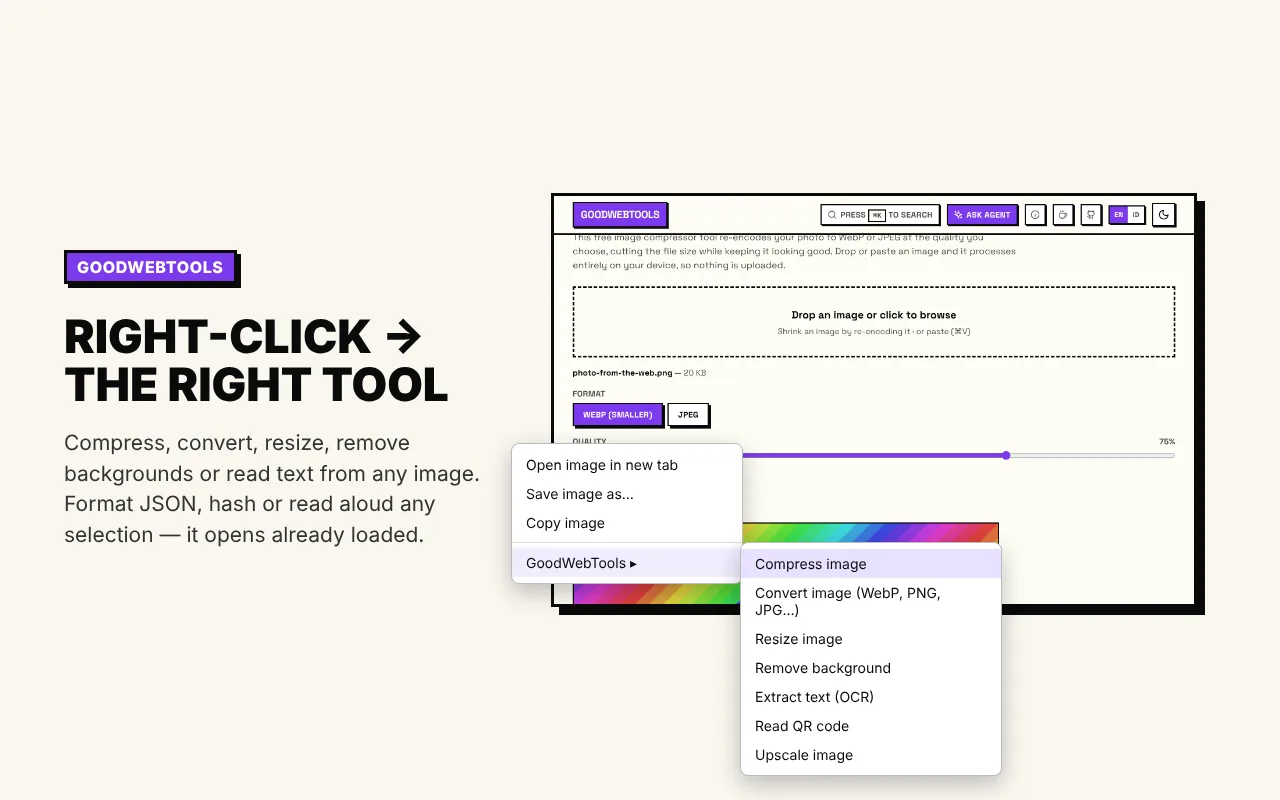
Right-click → the right tool
On any image: compress, convert, resize, crop, annotate, watermark, remove the background, pull its colors, extract text or read a QR code. On selected text: count words, read it aloud, change case, compare two selections, or — under Developer — format JSON or SQL, decode a JWT, URL-encode, convert a timestamp or test a regex. In a password field: insert a strong password. It opens already loaded — no downloading and re-uploading.
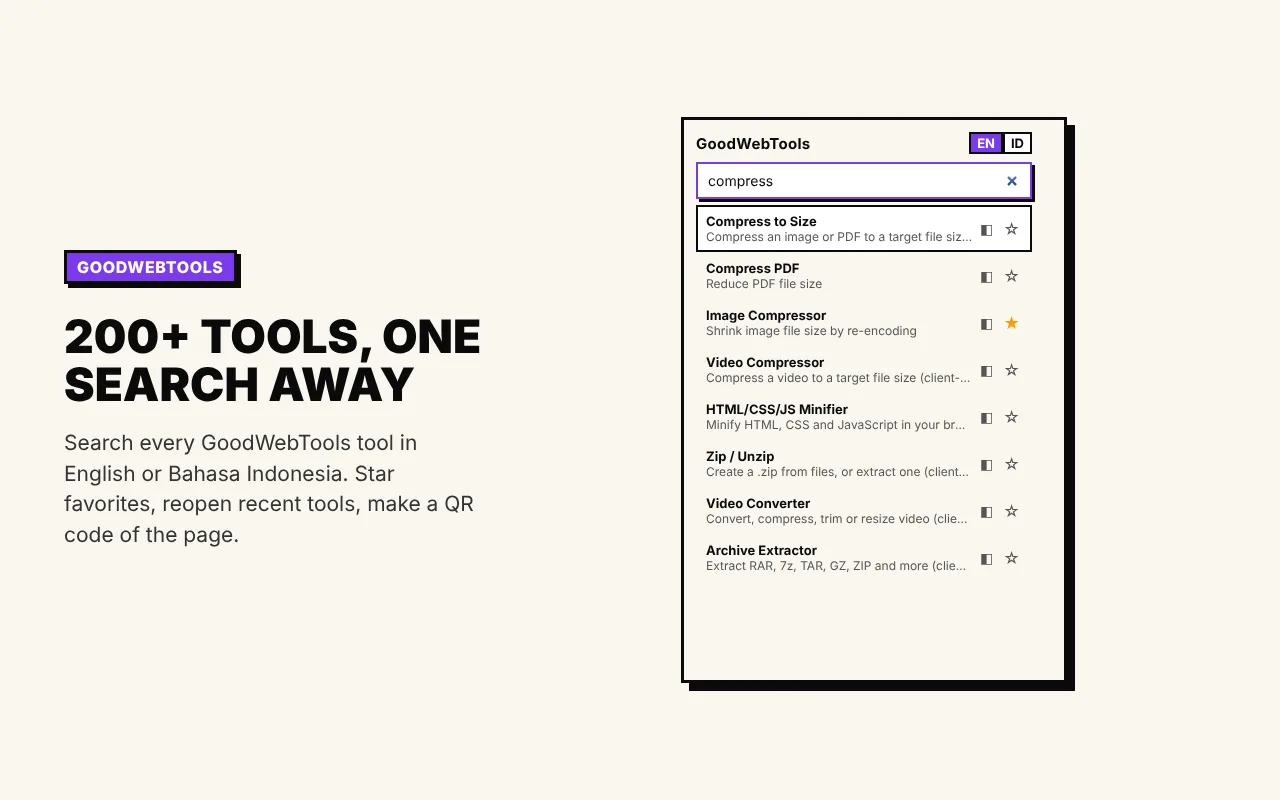
200+ tools, one search away
Search every tool from the toolbar in English or Bahasa Indonesia. Star favorites, reopen recent tools and make a QR code of the page you’re on.
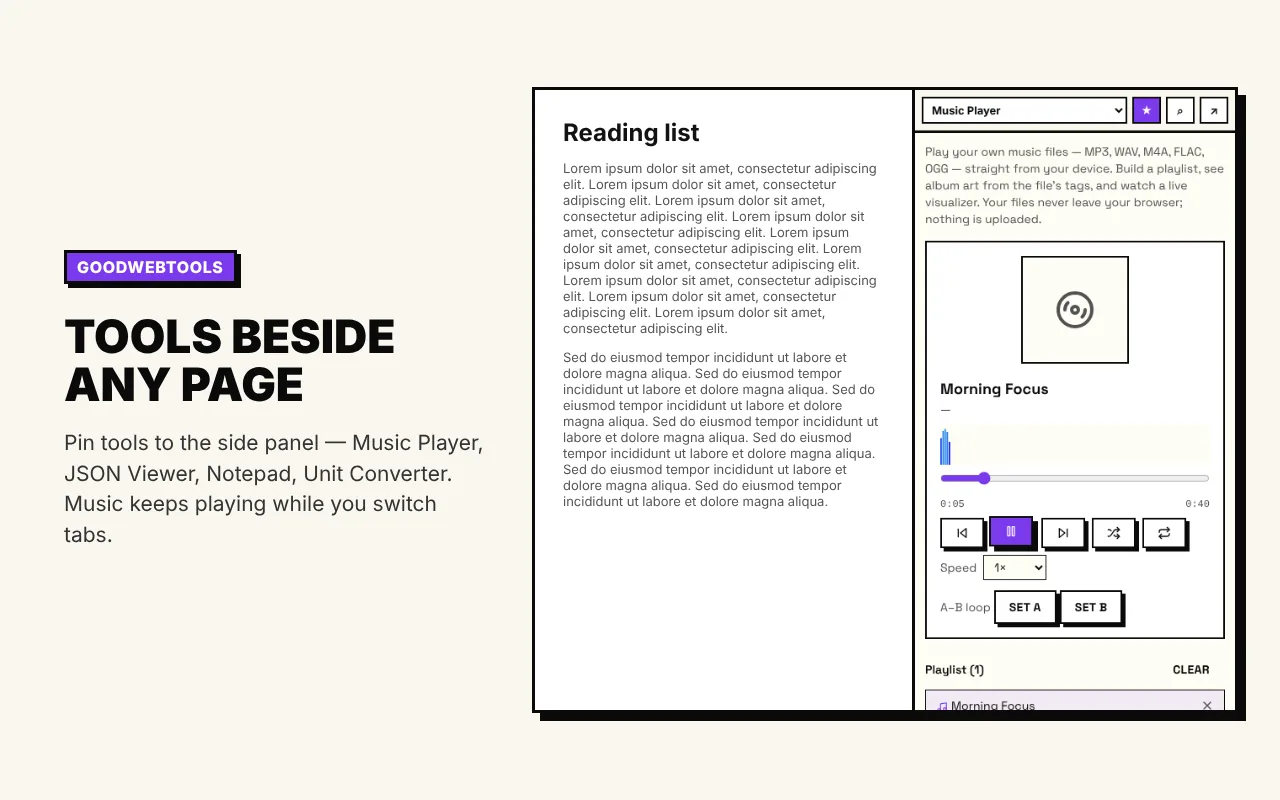
Tools beside any page
Keep any of 200+ tools in Chrome’s side panel — a Pomodoro timer, to-do list, notepad, calculator, music player, converters and more. Browse them by category, pin your favorites; they keep running while you switch tabs.
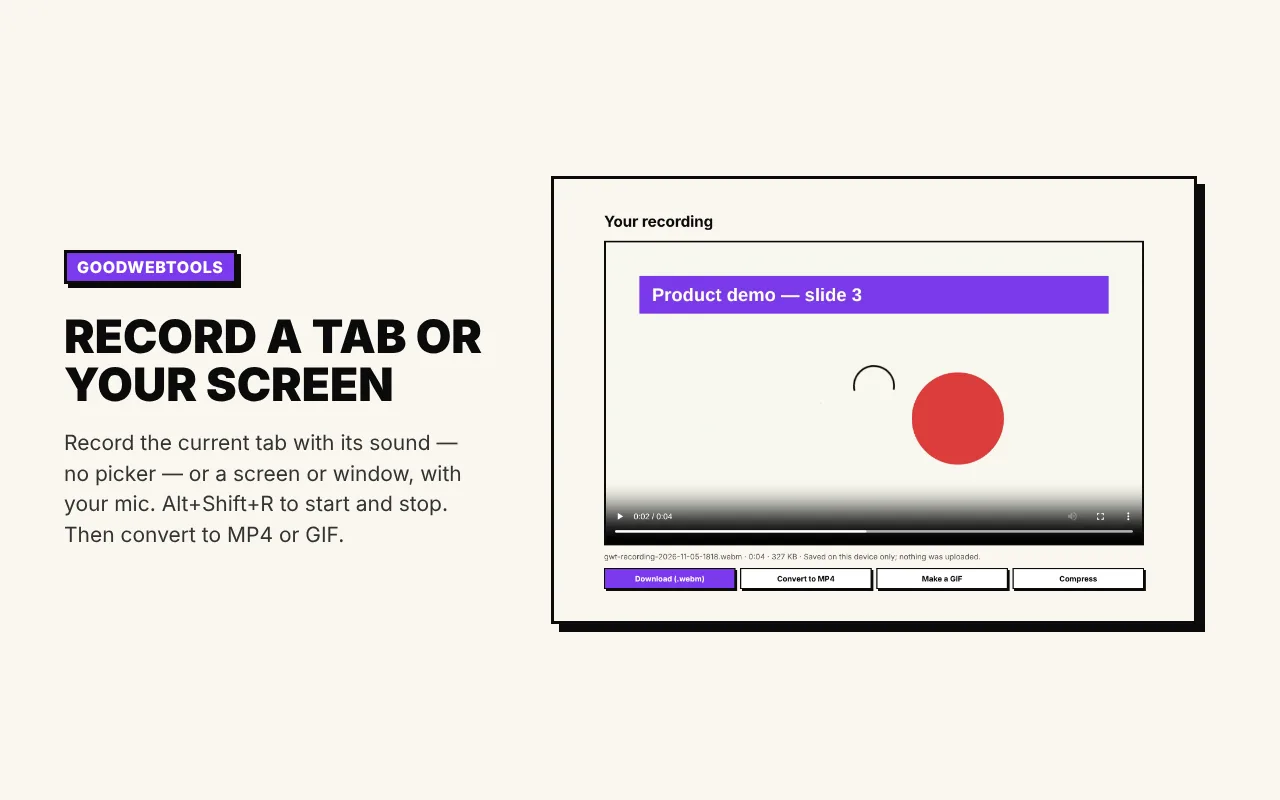
Record a tab or your screen
Record the current tab with its sound — no picker — or a screen or window, optionally with your mic. Alt+Shift+R starts and stops. Then download it as a video or an animated GIF, or convert it to MP4.
Grab what you need from a page
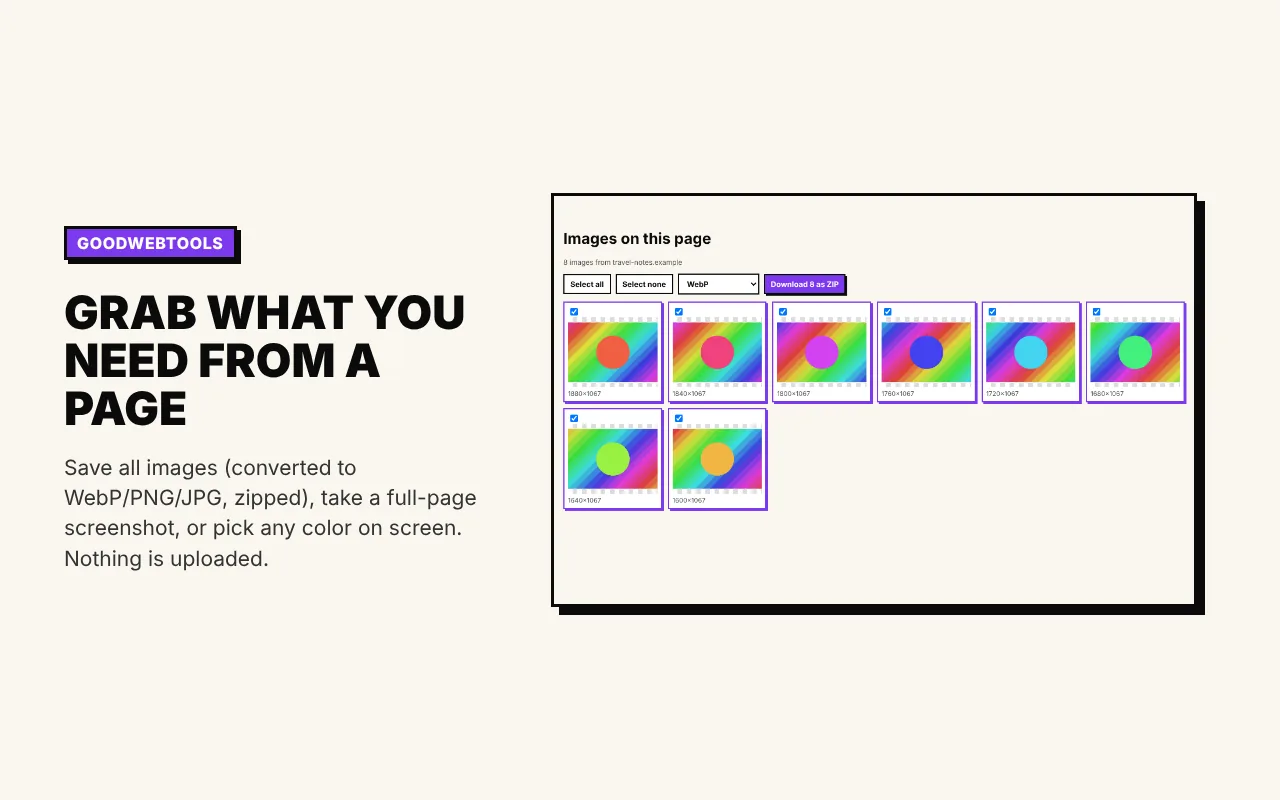
Save a page’s images (converted to WebP, PNG or JPG, zipped) and its video and audio files — including HLS streams, joined into one file — take a full-page screenshot, or pick any color on screen.
Private by design
No accounts, no analytics and no ads in the extension. What you send to a tool goes from the extension to the GoodWebTools tab in your own browser — nothing is uploaded. Access to other websites is optional and only asked for when a feature needs it.
Read the extension privacy detailsQuestions
Is it free?
Yes. The extension and every GoodWebTools tool are free, with no account.
Which browsers does it work in?
Chrome, Microsoft Edge, Brave, Opera, Vivaldi and other Chromium-based browsers on Windows, macOS, Linux and ChromeOS. Mobile browsers don’t support extensions.
Does it upload my files?
No. The image, text or recording you choose is passed to the GoodWebTools page in your browser and processed there, like every tool on the site.
Why does it ask for access to all websites?
Only if you use a feature that needs it — reading an image you right-clicked on another site, saving a page’s images and media, or opening JSON, YAML, TOML and Markdown files in their viewers. It’s optional and you can remove it anytime in Chrome’s extension settings.
Do I need it to use GoodWebTools?
No — every tool works in the browser without it. The extension just saves steps: no downloading an image to upload it again, no copying text between tabs.